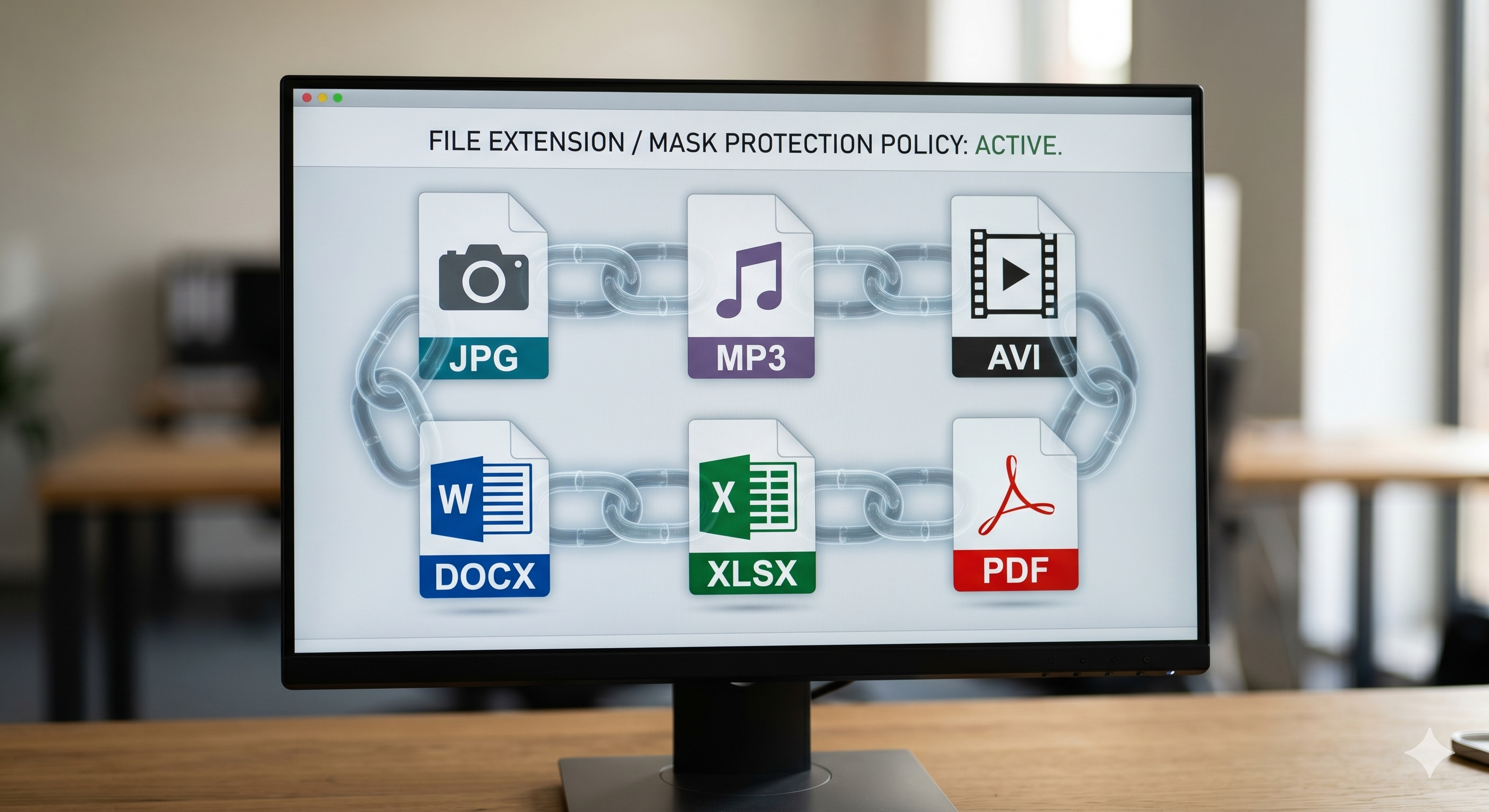
Understanding the underlying AES cryptography behind Nintendo game files reveals exactly how modern data protection protects both enterprise systems and your personal files.
Encrypted ROMs retain their original cryptographic locks (usually AES) placed by the manufacturer, meaning the data is scrambled and unreadable without the selected hardware keys. Decrypted ROMs have had this mathematical lock removed, allowing the raw game data to be read by emulators like Citra or modding tools. The core algorithm used—AES-256—is the exact same standard used by governments, banks, and premium file encryption software to secure local data.
When you download a raw game file backup (a ROM) directly from a cartridge, you aren't just copying files; you are copying a locked vault. Companies like Nintendo use sophisticated symmetric encryption to ensure that even if you extract the data, you cannot read, modify, or execute it without the corresponding mathematical key stored on the official console hardware.
This exact concept is known in cybersecurity as protecting "Data at Rest." Whether it is a `.cia` file for a 3DS or a confidential financial spreadsheet on your office computer, the principle remains identical: render the data useless to unauthorized parties.
Decrypted 3DS ROMs meaning: A decrypted ROM is a game file that has been processed through a cryptographic tool (using the console's unique keys) to strip away the AES encryption layer. Once decrypted, the raw assets (models, audio, code) are exposed and readable by external software like PC emulators.
The 3DS relies heavily on hardware encryption. The decryption keys are baked into the console's secure bootrom. This is highly secure but completely inflexible—you cannot easily move that data to a PC without a complex extraction process.
For modern consumers and businesses protecting their own data, software encryption is the standard. Software encryption utilizes your computer's CPU to scramble and descramble data on the fly. While slightly more taxing on system resources, it offers portability, allowing you to lock a USB drive on a Windows PC and unlock it safely on another device.
The Advanced Encryption Standard (AES) is a symmetric block cipher. That means the same key helps both encrypt and decrypt the data. Nintendo utilizes AES-128 (and variations) for much of its ecosystem. The enterprise standard today is AES-256, which utilizes a 256-bit key length.
Note: This is a conceptual terminal output illustrating how a system reads the header of an encrypted file container to determine its state before attempting to decrypt it.
Understanding how tightly a straightforward game ROM is encrypted often makes users realize how vulnerable their own personal files are. Use this quick assessment to check your current local storage security posture.
Please answer the questions above.
Whether dealing with a 3DS game file or a locked corporate spreadsheet, the state of the data container dictates how it can be interacted with. Here is the technical breakdown.
| Data State | Readability | Execution | Modification | Security Level |
|---|---|---|---|---|
| Nintendo DS/3DS ROM Context | ||||
| Encrypted ROM | Scrambled (Ciphertext) | Requires official hardware keys | Impossible (fails checks) | High (Manufacturer standard) |
| Decrypted ROM | Plaintext (Assets exposed) | Native to PC emulators | Fully accessible | Zero (Data is open) |
| Personal PC File Context (e.g., Folder Lock) | ||||
| Encrypted Vault | Scrambled (AES-256) | Requires master password | Protected against ransomware | Military-grade (Unhackable) |
| Standard Folder | Plaintext | Native to Windows Explorer | Vulnerable to malware | Low (Relying only on OS login) |
It is vital to draw a line between encryption education and software piracy. Why do people search for "how to decrypt 3DS ROMs"?
Legitimate users often dump their legally purchased cartridges to their own PCs to preserve the media or play them on emulators with higher resolutions. Under digital copyright frameworks, creating a personal backup is generally considered fair use in many jurisdictions. That said, distributing decrypted ROMs, or downloading them from the internet, explicitly violates the DMCA and global copyright laws.
This guide explores the mechanics of AES encryption. We do not provide cryptographic keys, bypass tools, or unauthorized decryption software for Nintendo hardware.
You’ve seen how robust AES encryption is for locking game data. If you want to apply that exact same cryptographic strength—AES-256—to your personal photos, financial documents, and USB drives on Windows, we recommend Folder Lock.
Unlike basic OS hiding functions, Folder Lock utilizes on-the-fly virtual drive encryption. It creates a secure vault (like a Z: drive) where files are encrypted instantaneously in system memory as you drag and drop them, leaving no temporary plaintext files behind.
Scenario: You need to share sensitive business files or client records across devices.
Solution: You can synchronize encrypted Lockers directly with Dropbox, Google Drive, or OneDrive. The data is scrambled on your local machine before it ever touches the cloud.
Scenario: You travel with a flash drive containing highly confidential data.
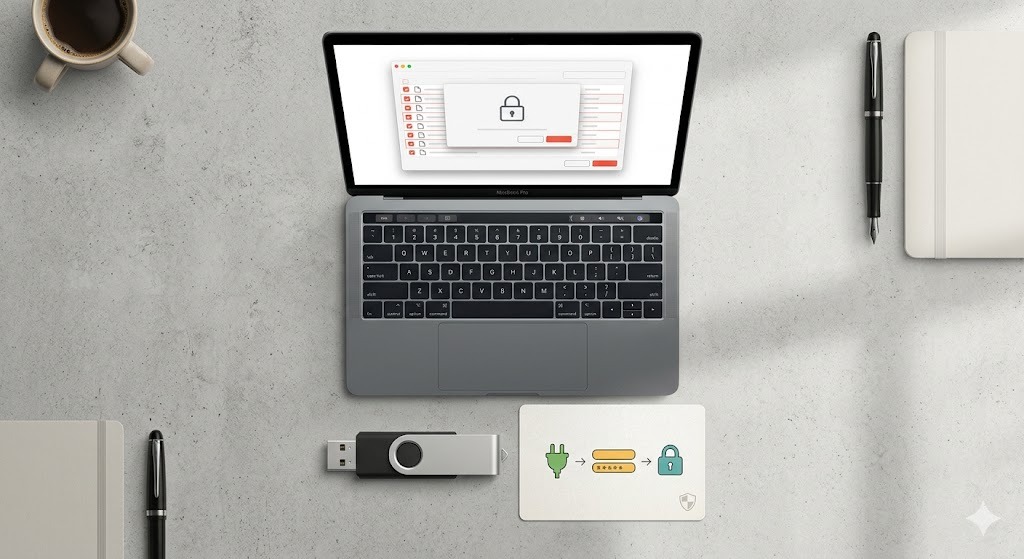
Solution: The best encrypted usb flash drive strategy is creating a "Portable Locker." This transforms the drive into a self-executable vault opened via password without installing software on the guest PC.
Scenario: You require strict boundaries for personal documents or digital wallets.
Solution: Store credit cards and banking details in encrypted digital Wallets. Lock selected folders from view using Kernel-level filters that persist even in Windows Safe Mode.
While Windows offers native tools like BitLocker, dedicated solutions like Folder Lock are designed specifically for granular, file-level security, high-speed performance, and multi-device portability.
You create dynamic "Lockers" that mount as virtual drives. When you drag files into this drive, they are encrypted instantaneously in your computer's memory. That means there are no temporary files left behind on your hard drive to be recovered by unauthorized users.
You can automatically backup your encrypted lockers to cloud services. Using asymmetric RSA-4096 cryptography, you can securely share access to selected lockers with colleagues. They can open the shared files using their own credentials.
If someone attempts to brute-force your master password, the software logs the incorrect attempts and can log off or shut down Windows. A "Stealth Mode" lets you hide the application entirely from your desktop, accessible only via a secret keyboard shortcut.
Folder Lock includes a secure shredder that overwrites files (or empty hard drive space) using military-grade deletion algorithms (like DoD 5220.22-M), rendering data recovery impossible. It also clears Windows activity history upon exit.
One of the most frequent questions is ways to secure gigabytes of data efficiently. Using Folder Lock's on-the-fly virtual drive approach, the process takes seconds.
Upon installing the software, set a highly secure master password. Use the provided virtual keyboard to thwart any hidden keylogging malware. Note: This password is mathematically unrecoverable if lost.
Click to create a new Locker. You will specify the file path and allocate a maximum storage size (up to 2 Terabytes depending on your drive format).
When you open the Locker using your password, it temporarily mounts as a new disk drive (e.g., Z:) in your Windows File Explorer.
Drag and drop your sensitive documents, unencrypted ROM backups, or financial spreadsheets into this virtual drive. The software encrypts them dynamically in the system memory.
Click 'Close Locker' within the interface. The virtual drive immediately vanishes from Windows, and your data is consolidated into a single, impenetrable ciphertext file.
Managing encrypted data requires strict adherence to security protocols. Here are owner-safe resolutions for frequent cryptographic management problems.
If you are utilizing true data encryption software like Folder Lock with AES-256, a lost password means the data is permanently inaccessible. There are no developer backdoors, hidden master keys, or bypass tools. This absolute security is precisely why military and enterprise organizations trust the algorithm. You must maintain secure, offline backups of your master credentials.
While you can use full disk encryption, the safest approach before transferring hardware ownership is data destruction. Use the software's "Shred Empty Space" function. Even after you delete your files and empty the recycle bin, the raw data remains on the disk plates. Shredding overwrites this empty space with random cryptographic noise, ensuring that recovery tools cannot reconstruct your past files.
Both are iterations of the Advanced Encryption Standard. While AES-256 uses a much longer 256-bit key, AES-128 uses a 128-bit key length. When looking at an aes-128 vs aes-256 encryption speed difference benchmark, AES-128 is fractionally faster to compute on older hardware. That said, modern CPUs with AES-NI hardware acceleration process both at nearly identical speeds. Therefore, AES-256 is highly recommended as it offers exponentially greater resistance against future quantum computing attacks.
Which scenario best describes your data protection needs?
Best for personal users evaluating the AES-256 interface.
Best for unlimited data, USB portability, and cross-platform sync.
"Being a registered rep, it is essential that my data is protected. Folder Lock allows me to have multiple protection layers for my device. The portable locker function is incredibly reliable when I need to transfer sensitive files without compromising security."
"I’ve been a Folder Lock user for nearly a decade. It was straightforward to install and deploy. The program and its user interface are logically organized with multiple levels of security. I especially like the way the protected files and folders are hidden from Windows File Explorer when Folder Lock is closed."
Encryption is the mathematical process of scrambling readable data (plaintext) into an unreadable format (ciphertext) using an algorithm and a key. Decryption is the exact reverse process, taking ciphertext and using the correct key to restore it to readable plaintext.
An encrypted Nintendo DS or 3DS ROM remains locked exactly as it was on the retail cartridge, requiring the console's unique hardware keys to read the data. A decrypted ROM has had this AES cryptographic layer stripped away by a software tool, exposing the raw game assets (audio, models, code) so they can be read directly by PC emulators or modding software.
The optimal approach is to use usb file encryption software that generates a "portable locker." Instead of relying on the host operating system's native tools (which may lack cross-platform compatibility), software like Folder Lock packages an encrypted vault alongside a self-executable file right on the USB stick. Your client simply plugs in the drive, runs the executable, and enters the password you provided to access the files, without needing to install the software themselves.
Whether you are dealing with Mac APFS volume encryption, ASIF disk images, or Windows local file encryption, the aes-128 vs aes-256 encryption speed difference benchmark is practically imperceptible to the human eye on modern hardware. Today's CPUs function hardware acceleration (AES-NI) that processes both 128-bit and 256-bit encryption seamlessly. Full disk encryption or on-the-fly file encryption will not noticeably slow down your computer during daily tasks.
Yes, but you must choose your file system and software carefully. If you use native OS tools (like encrypting a USB drive on Mac with Disk Utility, or using Windows BitLocker), the drive will generally not be readable on the opposing operating system. To achieve true cross-platform encryption, you must format the USB drive to exFAT or FAT32 and utilize external file and folder encryption software that offers both Windows and Mac client applications to mount and read the portable lockers.
Yes, open source file encryption software (like VeraCrypt) is highly trustworthy since its source code is publicly available for security researchers to audit for backdoors or vulnerabilities. The underlying mathematics (AES) are identical to commercial products. The primary difference is that commercial best file encryption software typically offers a more intuitive user interface, dedicated customer support, automated cloud syncing, and streamlined mobile companion apps.
For the simplest user experience, install a dedicated encrypt folder software application. You create a new master password, generate a secure "Locker" (which acts as a virtual drive), and drag your sensitive folders into it. When you close the locker, the files are instantly encrypted with AES-256 and hidden from the standard Windows File Explorer.
Decrypting a .CIA file (a 3DS installation package) on Android or Mac involves using cryptographic scripts to unpack the proprietary Nintendo format into an installable state for emulators like Citra. This is the exact inverse of what you do when you use mac file encryption software to lock your personal documents. While the other builds a new cryptographic wall to safeguard your local files, One process breaks down a manufacturer's lock to expose the data.